
Wix apps for developers and site owners.
We build websites for clients every week, so we build the tools we wish existed. Two of them are now released for every Wix designer, developer and site owner.


Code Canvas
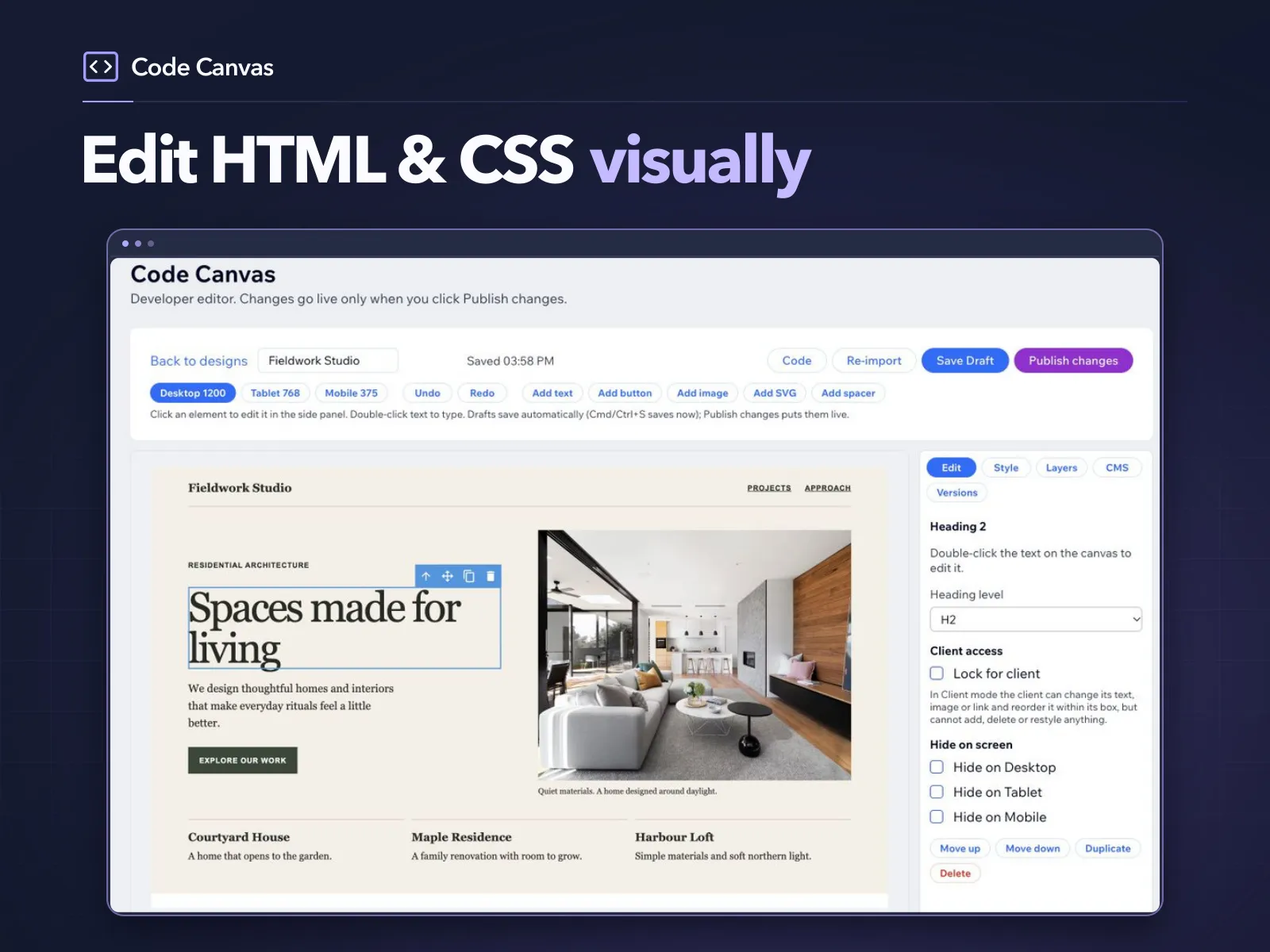
Turn HTML and CSS into editable sections.
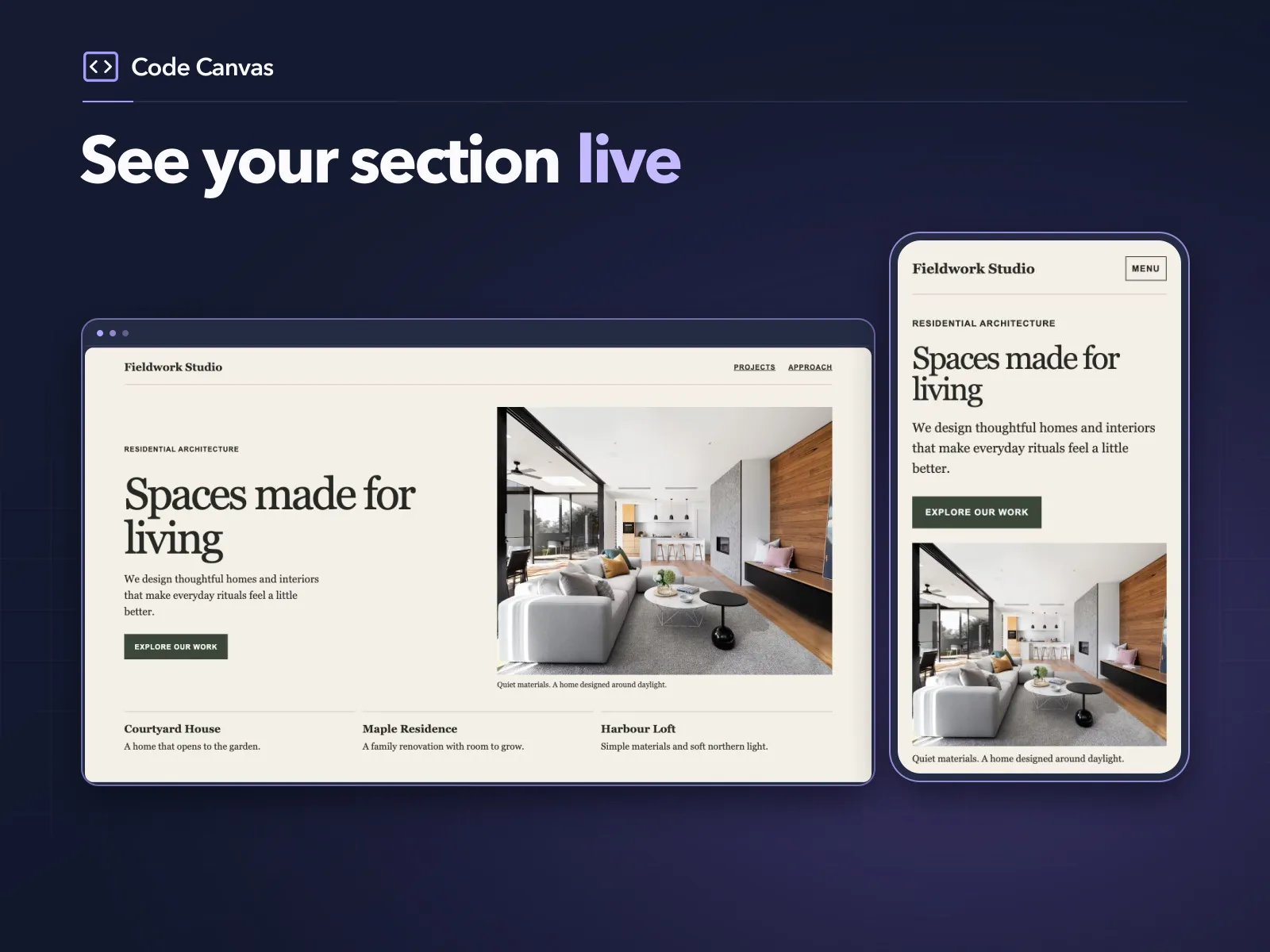
Paste HTML and CSS from an AI tool or your own editor and get a real, responsive section on your site, with no iframe. Edit it visually, connect CMS cards and hand it over to clients with Client mode.
What it does
Free plan with developer editing and one published design per site. Pro adds unlimited published designs, Client mode, CMS connections and version history.
- Embed responsive sections from AI-generated or hand-written HTML and CSS, with no iframe
- Edit text, images and links visually, with desktop, tablet and mobile previews
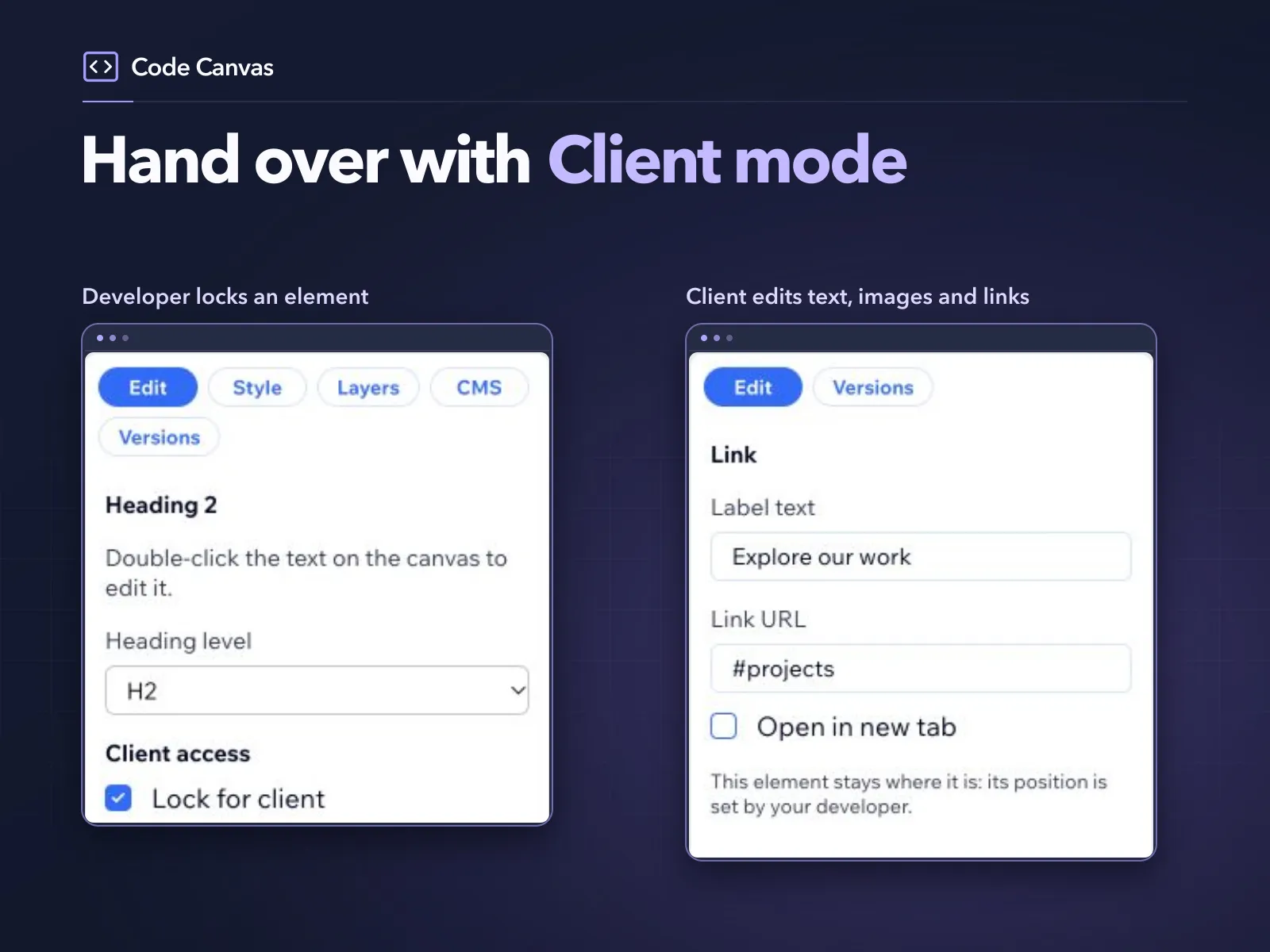
- Client mode: clients change content while the layout and locked elements stay protected
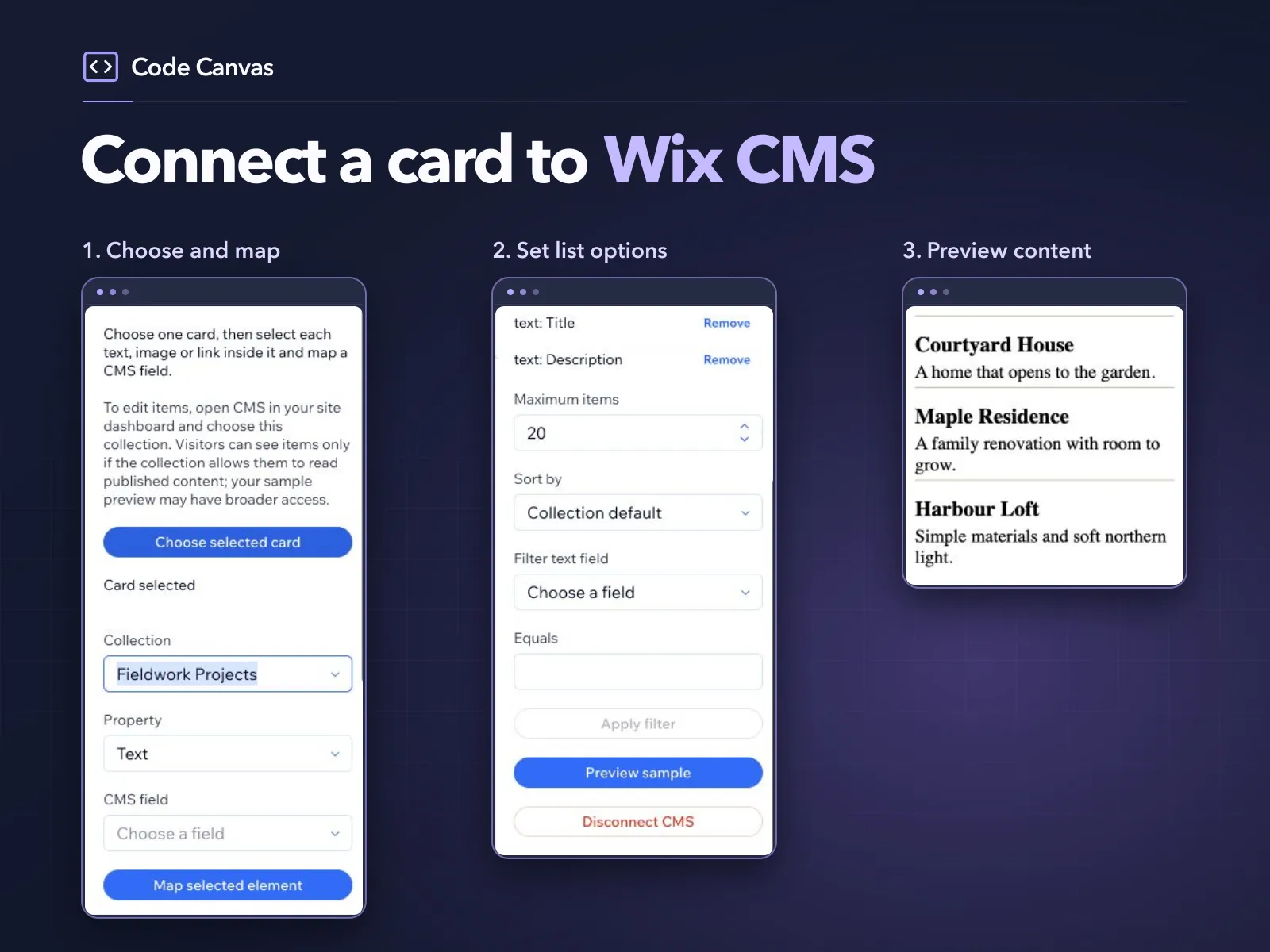
- Connect a card to a CMS collection to repeat it for each item
- Version history, so you can restore an earlier saved version
From pasted code to a live section in 90 seconds.
More on our YouTube channel ↗ (opens in a new tab)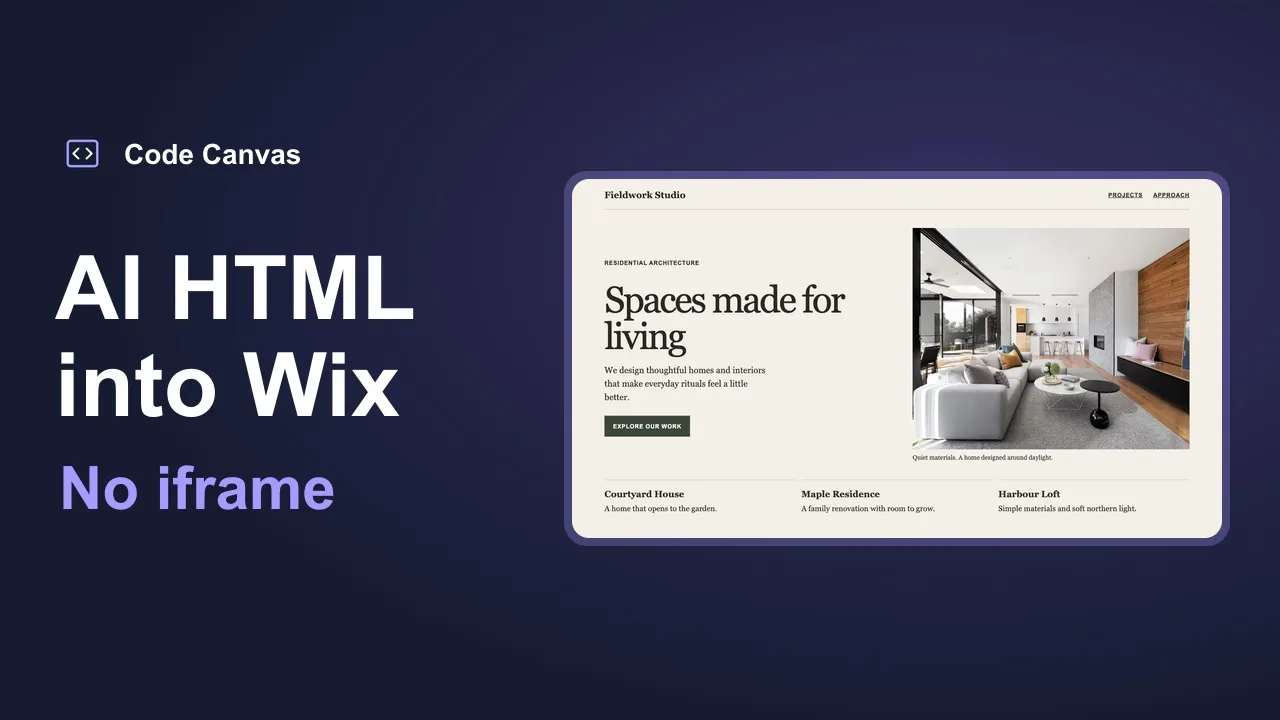
CollectionGrid
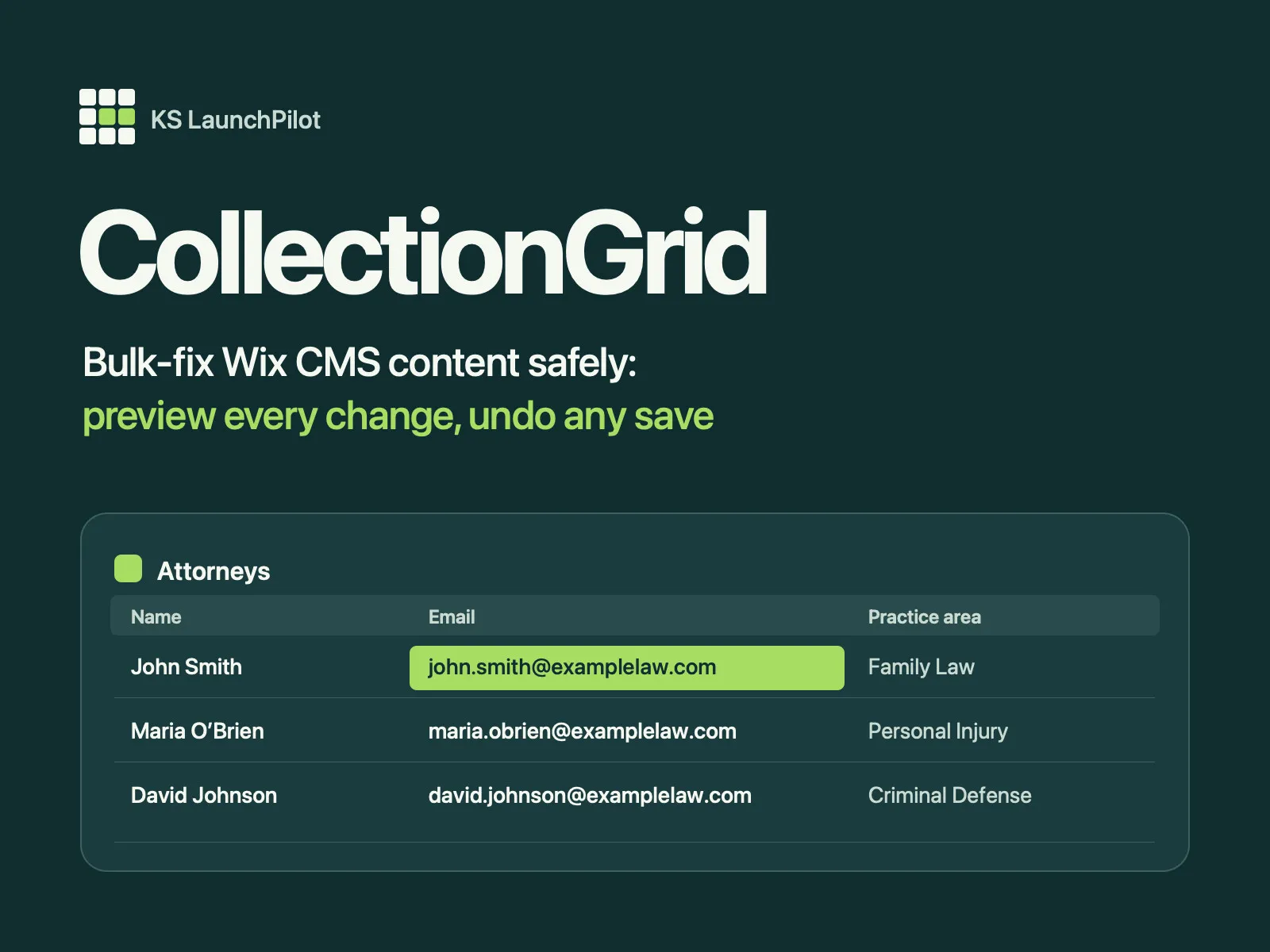
Edit your CMS collections like a spreadsheet.
CollectionGrid opens any CMS collection on your site as a fast spreadsheet in your dashboard, so you can fix hundreds of items in minutes. Preview every change, and undo any save.
Available now on the Wix App Market. Search “CollectionGrid”.
What it does
- Spreadsheet editing for any CMS collection: click a cell and type
- Copy and paste blocks of cells to and from Google Sheets and Excel
- Find and replace across the whole collection, with a preview of each change
- Bulk slug fixer for the URL slugs that break dynamic pages
- Reference and multi-reference pickers with search
- Undo for every edit, plus a saved-change history you can revert
- Sort, filter, show or hide columns, and export to CSV
Tutorials, demos and what we're building next.
We share Wix tips, app tutorials and what we learn building for the Wix App Market. Questions about either app? Email studio@kslaunchpilot.com.
Need it built for you?
The same team that builds these apps designs and develops complete websites. Tell us what you're working on.
Start Your Project